1
Start with the core idea
Use the concise lesson when you need a quick review of something you have seen before.
Move between a quick reminder and a more detailed lesson without leaving the concept you are learning.
See how it works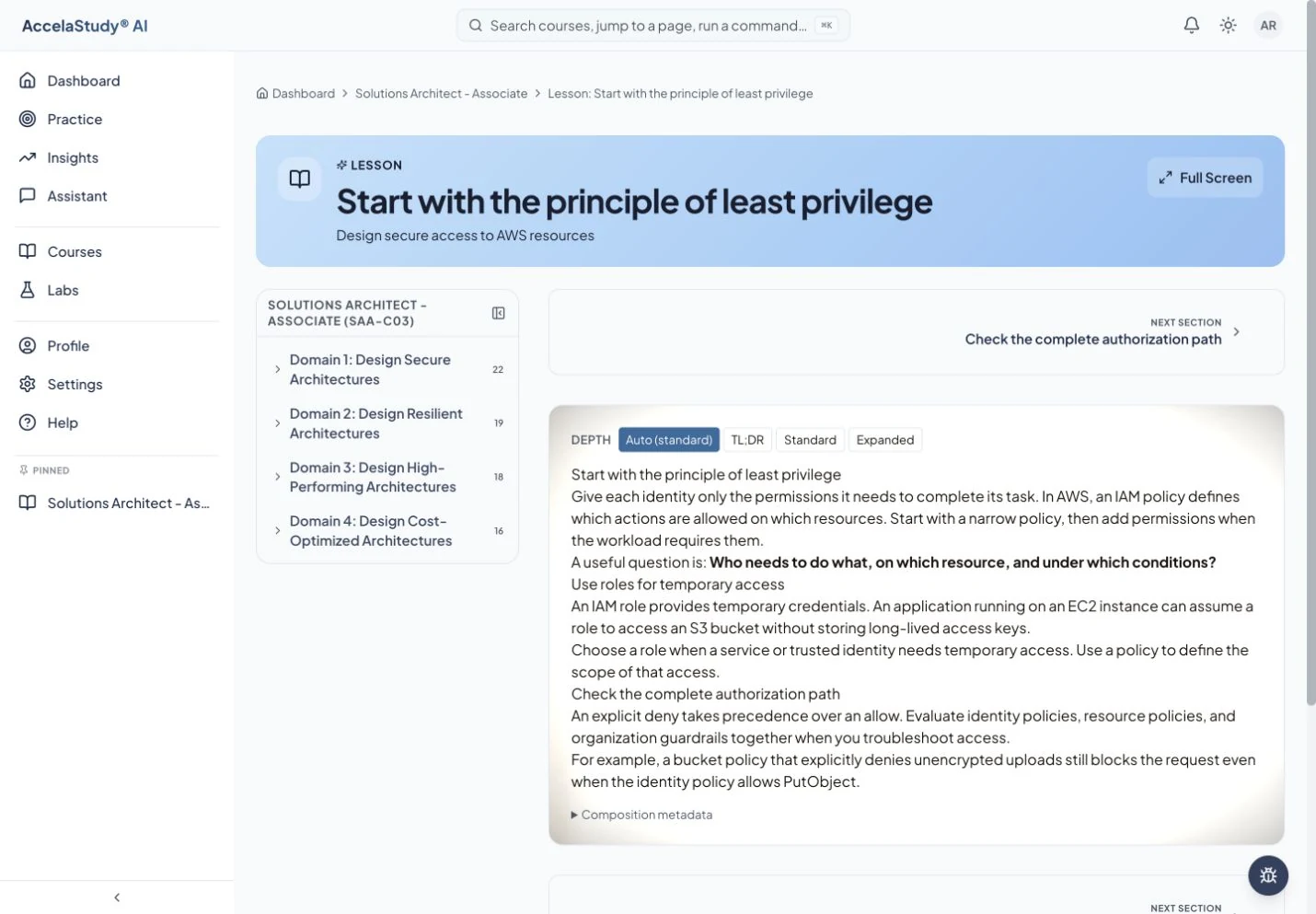
Current app screens with illustrative demo data.
Sometimes a definition is enough. Sometimes you need a worked example and the reason it works. Lesson Aperture gives you control over the depth of a lesson.
Use the concise lesson when you need a quick review of something you have seen before.
Choose a fuller level of detail for supporting examples and context. The lesson stays centered on the same concept.
Use the explanation to resolve the gap, then apply it in your next activity. Ask the assistant when you need a different example.
Shown here in the optional Lesson Aperture reader. Available controls and adaptive depth depend on the lesson and reader in use.
Find the AccelaStudy AI product for what you want to learn.