1
Bring your question
Ask about the concept you are studying, or request help understanding a wrong answer.
Get another explanation, connect an idea to an example, and ask follow-up questions as you study.
See how it works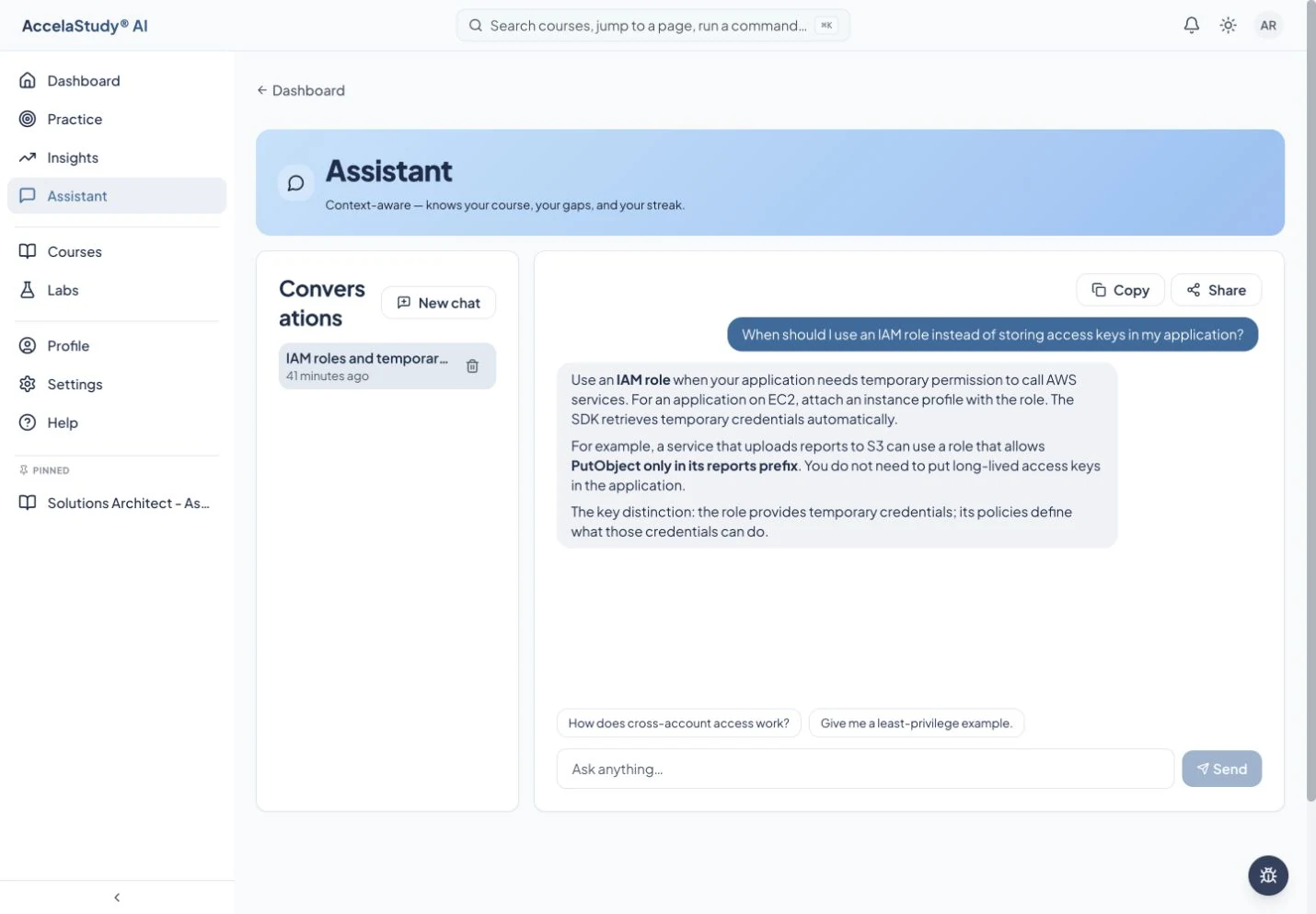
Current app screens with illustrative demo data.
A correct answer is not always enough to make an idea clear. The assistant helps you explore the material in your own words and continue the conversation when the first explanation does not click.
Ask about the concept you are studying, or request help understanding a wrong answer.
Ask for a concrete example, a simpler explanation, or a comparison with a related concept.
Return to a lesson or practice activity and apply what you discussed. Assistant explanations support learning; they can still contain mistakes.
Available in the learning app. Context and available actions depend on where the assistant is opened.
Find the AccelaStudy AI product for what you want to learn.