This course is in active development. Preview the scope below and create a free account to be notified the moment it goes live.
EUC Associate
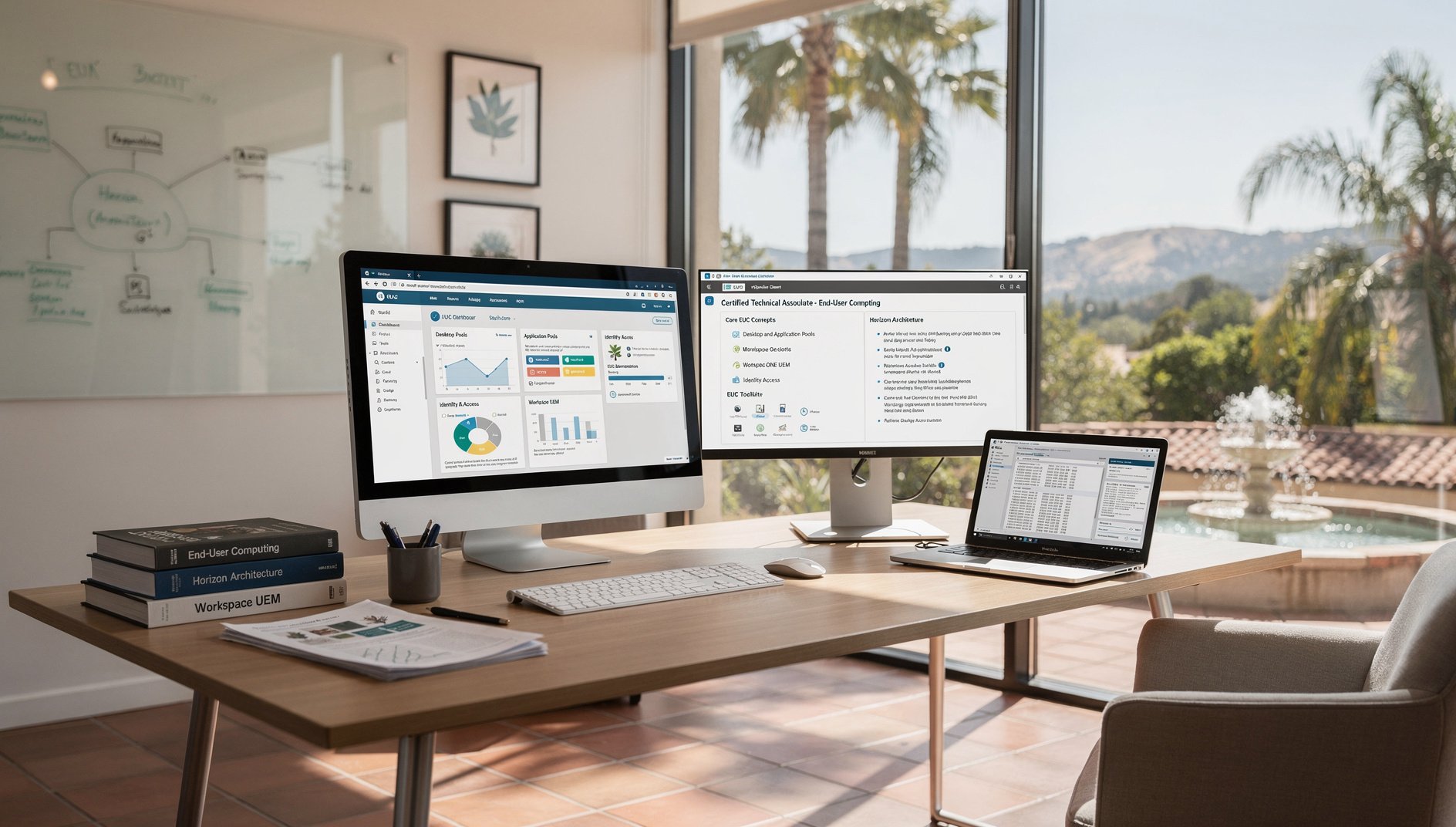
VMware Certified Technical Associate - End-User Computing (1V0-61.21) teaches core EUC concepts, Horizon architecture, desktop and application pools, Workspace ONE UEM, and identity access, preparing candidates for foundational deployment and support tasks.
Who Should Take This
IT professionals who manage or support virtual desktops, applications, and end‑user devices benefit from this certification. It targets individuals with basic networking or system administration experience seeking to validate their ability to configure Horizon, Workspace ONE UEM, and identity services in a VMware environment.
What's Covered
1Domain 1: EUC Concepts
2Domain 2: Horizon Architecture
3Domain 3: Desktop and Application Pools
4Domain 4: Workspace ONE UEM
5Domain 5: Identity and Access
6Domain 6: EUC Security and Operations
7Domain 7: EUC Design and Planning
What's Included in AccelaStudy® AI
Course Outline
1Domain 1: EUC Concepts 2 topics
VDI and DaaS
- Identify VDI concepts: desktop virtualization, application virtualization, session-based computing, and remote display protocols.
- Describe persistent versus non-persistent virtual desktops and identify the use cases, storage implications, and tradeoffs of each model.
- Explain VDI benefits: centralized management, improved security posture, BYOD enablement, simplified DR, and reduced endpoint hardware costs.
- Differentiate on-premises VDI, Desktop as a Service (DaaS), and hybrid desktop delivery models and identify when each is appropriate.
- Analyze a desktop delivery requirements scenario and recommend VDI, DaaS, published apps, or physical desktops based on user profiles.
Digital Workspace Strategy
- Identify digital workspace pillars: unified endpoint management, identity and access management, virtual app/desktop delivery, and analytics.
- Describe how VMware Workspace ONE unifies device management, application management, and identity into a single platform across all endpoint types.
- Explain zero-trust principles in digital workspaces: continuous device compliance verification, conditional access, and micro-segmentation.
- Analyze a digital workspace strategy and identify the appropriate combination of Horizon, Workspace ONE UEM, Access, and Intelligence components.
2Domain 2: Horizon Architecture 2 topics
Infrastructure Components
- Identify Horizon components: Connection Server, Unified Access Gateway, Enrollment Server, App Volumes Manager, and DEM management console.
- Describe Connection Server as the authentication broker connecting users to virtual desktops and published applications through pool entitlements.
- Explain how Unified Access Gateway provides secure edge access using Blast Extreme, PCoIP, and tunnel proxying without requiring full VPN.
- Explain Horizon integration with vCenter for VM provisioning, ESXi for execution, Active Directory for auth, and Instant Clones for rapid provisioning.
- Analyze a Horizon architecture diagram identifying the role and network placement of each component in the end-to-end connection workflow.
Display Protocols
- Identify Horizon display protocols: VMware Blast Extreme and PCoIP with their transport, codec, and bandwidth characteristics.
- Describe Blast Extreme adaptive transport (UDP/TCP), H.264/H.265 codec selection, client-side rendering, and bandwidth optimization features.
- Explain Horizon Client availability across Windows, macOS, Linux, iOS, Android, Chrome OS, and HTML5 Access and platform-specific feature differences.
- Analyze a remote access scenario with bandwidth constraints and recommend the optimal protocol, transport mode, and client configuration.
3Domain 3: Desktop and Application Pools 2 topics
Desktop Pools
- Identify pool types: automated full clone, automated instant clone, manual desktop pool, and RDS desktop pool.
- Describe instant clone technology: forking running parent VMs for sub-second provisioning with minimal storage through shared base disks.
- Explain pool settings: naming patterns, max machines, spare count, provisioning timing (up-front, on-demand), and power management policies.
- Explain dedicated (persistent) versus floating (non-persistent) assignment models and their impact on user data, personalization, and storage.
- Analyze a desktop pool scenario and determine the appropriate pool type, clone method, assignment model, and sizing configuration.
Application Delivery
- Identify application delivery methods: published applications (RDSH), App Volumes, ThinApp, and URL content redirection.
- Describe RDSH farms hosting published apps with configurable session limits, load balancing, and session pre-launch for fast application startup.
- Explain how App Volumes attaches application virtual disks (AppStacks) at login delivering applications without baking them into base images.
- Explain Dynamic Environment Manager (DEM) for capturing and applying user environment settings, application preferences, and Windows personalization.
- Analyze an application delivery scenario and recommend the method based on application compatibility, user density, and management overhead.
4Domain 4: Workspace ONE UEM 2 topics
Device Management
- Identify UEM capabilities: device enrollment, configuration profiles, compliance policies, application management, and remote actions.
- Describe enrollment methods: agent-based, Apple Business Manager (DEP), Android Enterprise, Windows Autopilot, and Chrome OS enrollment.
- Explain compliance policies defining device health rules (passcode, encryption, OS version, jailbreak) with automated remediation actions.
- Configure a device profile with passcode requirements, encryption enforcement, Wi-Fi payload, VPN-on-demand, and restrictions.
- Analyze a BYOD versus corporate-owned device scenario and recommend enrollment type, compliance rules, and privacy settings.
Application and Content Management
- Identify application types: internal enterprise apps, public store apps, purchased (VPP/ABM) apps, web clips, and virtual apps from Horizon.
- Describe the Workspace ONE app catalog as a unified storefront for discovering and installing managed applications across platforms.
- Explain application deployment policies: automatic push, on-demand, required install, managed removal on unenrollment, and update scheduling.
- Analyze an app deployment scenario and determine distribution method, assignment smart groups, deployment timing, and update strategy.
5Domain 5: Identity and Access 2 topics
Workspace ONE Access
- Identify Workspace ONE Access as the identity provider delivering SSO, conditional access, and application catalog for digital workspace resources.
- Describe integration with Active Directory, LDAP, Okta, Azure AD, and SAML-based identity providers for federated authentication.
- Explain conditional access policies evaluating device compliance, network location, user risk score, and authentication strength before granting access.
- Configure an access policy requiring certificate auth from managed devices and MFA from unmanaged devices for the same application.
- Analyze an identity management scenario and determine appropriate authentication methods, access policies, and SSO configuration.
Authentication Methods
- Identify authentication methods: password, certificate, mobile SSO (iOS Kerberos, Android), FIDO2 biometrics, and Verify push notification.
- Describe SAML 2.0 and OpenID Connect federation enabling SSO between Workspace ONE Access and SaaS apps (O365, Salesforce, ServiceNow).
- Explain authentication policy chains combining methods in fallback sequences based on device platform, network, and access context.
- Analyze a multi-factor authentication scenario and recommend chain configuration balancing security strength and user convenience.
6Domain 6: EUC Security and Operations 2 topics
Endpoint Security
- Identify EUC security features: Workspace ONE Tunnel (per-app VPN), DLP, remote wipe (full and selective), and compliance enforcement.
- Describe Workspace ONE Tunnel for application-level VPN tunneling without full-device VPN for managed mobile and desktop apps.
- Explain Workspace ONE Intelligence analytics, risk scoring, and Freestyle Orchestrator automated security response workflows.
- Analyze a security incident and determine appropriate response: selective wipe, device quarantine, compliance escalation, or full enterprise wipe.
Monitoring and Troubleshooting
- Identify Horizon monitoring: Console dashboard, session statistics, event database, help desk tool, and connection server health.
- Describe Workspace ONE Intelligence dashboards for device health, app usage, OS distribution, patch compliance, and security posture trends.
- Explain troubleshooting Horizon connectivity: UAG configuration, protocol negotiation, certificate trust chains, and authentication failures.
- Explain troubleshooting UEM enrollment: profile installation errors, MDM authority conflicts, APNs certificate expiry, and DEP assignment issues.
- Analyze user experience degradation using Horizon session metrics, protocol stats, and resource data to identify root cause.
7Domain 7: EUC Design and Planning 2 topics
Desktop Infrastructure Sizing
- Identify Horizon sizing factors: user profiles (task worker, knowledge worker, power user), IOPS per desktop, memory per session, and CPU overcommit ratios.
- Describe how desktop pool sizing accounts for concurrent users, peak login storms, spare capacity, and storage IOPS requirements for instant clones.
- Explain how GPU virtualization (vGPU with NVIDIA GRID profiles) enables graphics-intensive desktops for CAD, 3D, and media editing use cases.
- Analyze a desktop infrastructure sizing scenario and recommend host count, storage capacity, network bandwidth, and GPU allocation for stated user profiles.
Horizon Cloud and Hybrid Deployment
- Identify Horizon Cloud deployment models: Horizon Cloud on Azure, Horizon Cloud on AWS, and Horizon Cloud next-gen with Universal Broker.
- Describe Universal Broker as the cloud-hosted broker that provides global entitlements, intelligent routing, and multi-site desktop assignment.
- Explain how Horizon Cloud integrates with Workspace ONE for unified management of virtual and physical endpoints across cloud and on-premises.
- Analyze a hybrid desktop delivery scenario and recommend the appropriate Horizon deployment model, broker configuration, and cloud pod strategy.
Scope
Included Topics
- End-user computing concepts, VDI, DaaS, VMware Horizon architecture, desktop pools, published apps, Blast Extreme, App Volumes, DEM, Workspace ONE UEM, Access, and endpoint security aligned to VCTA-EUC.
- Key products: Horizon 8.x, Unified Access Gateway, App Volumes, Dynamic Environment Manager, Workspace ONE UEM, Workspace ONE Access, and Workspace ONE Intelligence.
Not Covered
- Advanced Horizon multi-site design and Cloud Pod Architecture at VCP/VCAP depth.
- Workspace ONE API development and custom connector scripting.
- OS imaging and hardware-specific driver management.
Official Exam Page
Learn more at VMware/Broadcom
1V0-61.21 is coming soon
Adaptive learning that maps your knowledge and closes your gaps.
Create Free Account to Be Notified